Overview
Visual content has become the backbone of modern business communication. Whether you’re running digital ads, managing social media campaigns, designing product pages, or building presentations, visuals play a major role in how audiences perceive your brand. Businesses that consistently use high-quality images often see stronger engagement, higher conversion rates, and better brand recall compared to those that rely only on text.
However, creating professional visuals has traditionally required design expertise, expensive software, and significant time investment. Many small businesses and marketing teams struggle to produce the volume of visuals needed to stay competitive across platforms. This is where AI-powered image generation is changing the landscape.
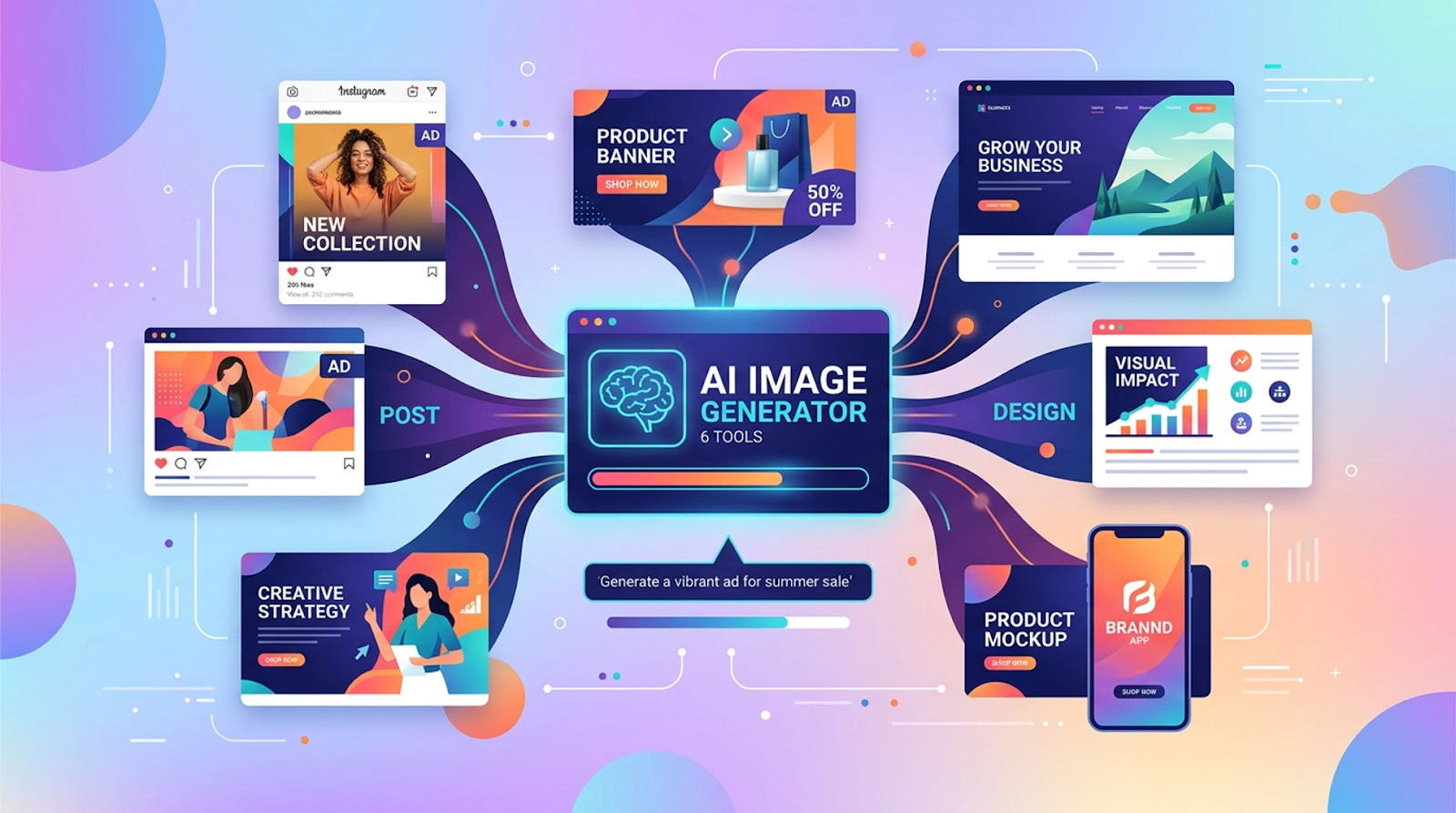
AI image generators allow businesses to transform simple text prompts into polished visuals within seconds. Instead of hiring designers for every small project or spending hours searching stock libraries, teams can instantly create unique graphics tailored to their campaigns. From social media creatives and marketing banners to product concepts and blog illustrations, AI tools are making visual production faster, more scalable, and more accessible.
Another major advantage is flexibility. With AI tools, businesses can experiment with different visual styles, color palettes, and themes without starting from scratch each time. Marketing teams can quickly test multiple variations of an image, refine their branding, and generate consistent visuals across different channels.
As the demand for visual-first marketing continues to grow, adopting AI-powered creative tools is becoming less of an option and more of a necessity. The right tool can help streamline workflows, reduce design costs, and empower teams to produce visually compelling content on demand.
In this article, we’ll explore six AI image generator tools that can help businesses upgrade their visual strategy and create impactful visuals faster than ever.
1. Invideo
Invideo stands out as a powerful platform designed to help businesses generate high-quality visuals quickly and efficiently. The platform simplifies the creative process by allowing users to turn text prompts into professional-looking images without requiring advanced design skills. This makes it particularly valuable for marketers, entrepreneurs, and content creators who need a steady flow of visual content for campaigns and social media.
What makes invideo especially appealing is its intuitive workflow. Users can describe the type of image they want, adjust styles, and quickly generate visuals that align with their brand identity. For businesses that need frequent graphics for blogs, ads, landing pages, and presentations, this kind of speed can significantly improve productivity.
The platform also helps teams experiment with creative concepts without spending hours designing assets manually. Businesses can quickly generate multiple variations of an image, test them across different campaigns, and refine visuals based on audience response. This flexibility enables brands to remain agile in fast-moving digital environments.
One particularly useful capability is invideo’s ai image generator, which allows businesses to create custom visuals simply by describing their ideas in text. Instead of relying solely on stock images, companies can produce unique visuals that better match their messaging and branding.
By combining ease of use with powerful AI capabilities, invideo makes it easier for businesses of all sizes to maintain a strong and consistent visual presence across digital channels.
2. Midjourney
Midjourney has gained popularity among creative professionals for its ability to produce highly artistic and visually striking images. Businesses that want distinctive visuals often turn to this tool because it excels at generating unique illustrations, concept art, and stylized imagery.
One of Midjourney’s strengths is the quality of its artistic interpretation. Users can provide a simple prompt describing the scene or concept they want, and the system produces detailed visuals with strong aesthetics and composition. This makes it particularly useful for brands working on storytelling-driven campaigns or creative marketing projects.
Many businesses also use Midjourney for brainstorming visual ideas. It can help marketing teams quickly visualize product concepts, ad designs, or creative themes before committing to a full production process. This allows teams to experiment more freely and discover new creative directions.
While Midjourney’s interface differs from typical design platforms, its community-driven ecosystem and continuous improvements make it a strong choice for brands looking to produce visually distinctive content.
3. DALL·E
DALL·E is widely recognized for its ability to generate detailed and imaginative visuals based on textual descriptions. Businesses often use this tool to create illustrations, marketing visuals, and conceptual images that would otherwise take significant time to design manually.
One of the biggest advantages of DALL·E is its versatility. It can generate a wide range of visual styles, from realistic imagery to abstract artwork. This allows businesses to tailor their visuals depending on the context—whether they’re creating website graphics, presentation visuals, or promotional materials.
Another useful feature is the ability to edit or expand existing images. Businesses can modify parts of an image or generate variations to better match their brand guidelines. This capability is especially helpful for marketers who need to maintain consistent branding across multiple campaigns.
For companies looking to integrate AI visuals into their creative workflow, DALL·E offers a reliable and flexible solution that supports both experimentation and practical marketing needs.
4. Stable Diffusion
Stable Diffusion has become a popular choice among businesses and developers who want greater control over AI-generated visuals. Unlike many cloud-only tools, Stable Diffusion can be run locally or integrated into custom workflows, giving organizations more flexibility in how they use it.
This level of customization makes it particularly attractive for businesses with technical teams. Developers can fine-tune models, automate visual generation processes, and integrate the technology directly into internal tools or creative platforms.
From a marketing perspective, Stable Diffusion can generate a wide variety of visual styles, including product mockups, illustrations, and marketing graphics. Companies can experiment with different design concepts and produce visuals tailored specifically to their brand.
Its open ecosystem also encourages innovation, with numerous plugins and extensions available to enhance its functionality. For businesses that want more control over their AI image generation pipeline, Stable Diffusion offers powerful capabilities.
5. Adobe Firefly
Adobe Firefly brings AI image generation into the broader Adobe creative ecosystem. For businesses already using design tools for marketing and branding, this integration makes it easier to incorporate AI-generated visuals into existing workflows.
One of Firefly’s strengths is its focus on commercial-safe content. Businesses can generate images that align with brand guidelines and design standards while maintaining high visual quality. This makes it useful for companies producing marketing materials, advertisements, and branded assets.
Firefly also supports features like text effects, style transfers, and image generation directly within design environments. This allows creative teams to refine AI-generated visuals using professional design tools without switching between multiple platforms.
For organizations that already rely on design software for creative projects, Adobe Firefly provides a convenient way to introduce AI-powered image generation into their visual production process.
6. Leonardo AI
Leonardo AI is an emerging tool that has attracted attention for its ability to generate high-quality visuals suitable for creative and commercial projects. Businesses often use it for generating game assets, concept art, marketing visuals, and product imagery.
One of the platform’s key strengths is its emphasis on creative control. Users can adjust parameters such as style, detail level, and composition to achieve specific visual outcomes. This level of customization helps businesses produce images that closely match their branding and campaign goals.
Leonardo AI also supports batch image generation, allowing teams to create multiple variations of a visual concept quickly. This can be particularly useful for marketing teams testing different creative approaches in advertisements or social media campaigns.
As the platform continues to evolve, more businesses are exploring Leonardo AI as a versatile solution for generating unique visuals that support storytelling, branding, and marketing initiatives.
Conclusion
AI image generators are transforming the way businesses approach visual content creation. Instead of relying solely on traditional design processes, companies can now produce professional visuals quickly using simple text prompts. This shift allows teams to experiment with creative ideas, respond faster to marketing trends, and maintain a consistent visual presence across digital platforms.
Each of the tools discussed in this article offers unique advantages. Some focus on artistic creativity, while others emphasize customization, workflow integration, or scalability. Choosing the right tool depends on your business goals, creative needs, and the type of visuals you plan to produce.
By incorporating AI image generation into your workflow, your business can streamline content production, reduce creative bottlenecks, and unlock new possibilities for visual storytelling. As AI technology continues to advance, companies that adopt these tools early will be better positioned to create engaging visual experiences that capture audience attention and strengthen brand identity.